
Introduction to Computer Science for Multidisciplinary Studies I
This course provides an introduction to problem solving, analysis and design of
small-scale computational systems. Solutions will be implemented using a
procedural programming language. This course is targeted at students wishing to
combine studies in computer science with studies in other disciplines.
 |
Announcements |
- The final exam timetable has been released. The final exam for CPSC 217 will be on Tuesday, April 28, 2026 at 1:00pm in the Red Gym.
- No tutorials on Monday, April 6, 2026 due to the Easter Monday holiday.
|
Important Dates |
- Reading break: February 16 to 20, 2026 (no classes or tutorials)
- Midterm Exam #1: Tuesday February 24, 2026 during class time (ENA 101 and ENA 103)
- If your ID number is odd, please write in ENA 101.
- If your ID number is even, please write in ENA 103.
- Midterm Exam #2: Tuesday March 24, 2026 during class time (ENA 101 and ENA 103)
- If your ID number is odd, please write in ENA 101.
- If your ID number is even, please write in ENA 103.
- The due dates for the assignments and exercises can be found in the Assignments and Exercises sections of this page.
|
Support Materials |
- Course Outline
- Topic 1: Introduction 1up 2up 4up
- Topic 2: Introduction to Programming
1up
2up
4up
- pressure.py and a video of it being created.
- loan.py -- This program currently contains an error that is causing it to report a higher payment amount and cost of borrowing than it should. Try and find the error yourself before we correct it in Tuesday's class.
- loan_improved.py and a video of it being created -- This version has been improved to correct the error in the previous version and format the output so that exactly two digits are dispalyed to the right of the decimal point. Note that the video uses a couple of older mechanisms for formatting values, not f-strings, which we will use in this iteration of the course.
- Topic 3: Information and Data 1up 2up 4up
- Topic 4: Decisions
1up
2up
4up
- gold_boolean.py (Boolean operator version) gold_nested.py (nested if-statement version),
gold_elif.py (if-elif-else version),
and a video of multiple versions being created. - letter.py and a video of it being created.
- Loop Exercises -- These exercises can be completed using either for loops or while loops (or better yet, complete all the exercises twice -- once using while loops, and again using for loops).
- average.py and a video of a slightly different version being created.
- factorial.py
- for_factorial.py
- gradient.py and a video of it being created.
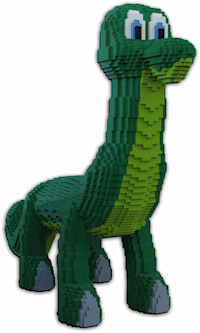
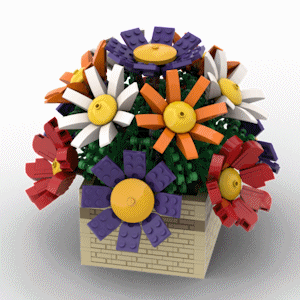
- grayscale.py, Brickosaurus.gif and Flowers.gif
- guess.py
- median.py and a video of a slightly difference version of it being created.
- median_functions.py (This is a second version of the median program that demonstrates appropriate use of functions. It was not created during class, but is provided as an extra example.)
- Descriptions of Sorting Algorithms:
- boggle.py
- mode.py and a video of it being created.
- File Exercises
- sum.py
- wc.py and a video of it being created (without the extra trick to allow the input to be read from a file or the keyboard, or the output to be written to a file or the screen).
- arithmetic.py
- Converting from Base 10 to Base 2 (Solution)
- Admission Price (Solution)
- Opening Hours (Solution)
- Classifying Triangles (Solution)
- Even and Odd Totals (Solution) -- This isn't good practice for this year's first midterm exam because we won't cover for loops until after the first midterm.
- Number Triangle (Solution) -- This isn't good practice for this year's first midterm exam because we won't cover for loops until after the first midterm.
- Times Table (Solution) -- This isn't good practice for this year's first midterm exam because we won't cover for loops until after the first midterm.
- Blank Bubble Sheet
- Question Paper
- View your Parsons Problem bubble sheet
- View your five-answer MC bubble sheet
- Want to improve your grade on the midterm exam? Complete and submit this
post-midterm activity by the end of class on
Thursday March 12, 2026.
- Bubble sheets from the activity can be viewed here.
- CPSC 217 Spring 2025 Exam #1
- CPSC 217 Spring 2025 Exam #2
- CPSC 217 Winter 2025 Exam #1
- CPSC 217 Winter 2025 Exam #2
- CPSC 217 Spring 2024 Exam
- CPSC 217 Fall 2019 Exam
- CPSC 217 Summer 2019 Exam
- CPSC 217 Fall 2018 Exam
- CPSC 217 Fall 2017 Exam
- CPSC 217 Winter 2017 Exam
- CPSC 217 Fall 2015 Exam
- CPSC 217 Fall 2014 Exam
- CPSC 217 Winter 2014 Exam
- CPSC 217 Fall 2012 Exam
- CPSC 217 Fall 2011 Exam
- Exams from 2010 and earlier used Python 2 instead of Python 3. As a result, some of the code on the older exams will not run successfully in the current version of Python.
- CPSC 217 Fall 2010 Exam
- CPSC 217 Summer 2010 Exam
- CPSC 217 Fall 2009 Exam
- CPSC 217 Spring 2009 Exam
- CPSC 217 Fall 2008 Exam
- Answers to the previous midterm exams are available by using the Exam Answer Viewer. Note that it is always possible that an incorrect answer has been entered into the database. If you spot something that appears to be wrong, please let the instructor know so that the problem can be corrected.
- Additional Practice Parsons Problems
- Final Exam Practice Questions
- These are practice questions rather than sample questions. The questions on the final exam will cover similar content to the practice questions but will be multiple choice questions and Parsons Problems rather than the open ended questions that are available for practice.
- Answers to the practice questions are available by using the Exam Answer Viewer. Note that it is always possible that an incorrect answer has been entered into the database. If you spot something that appears to be wrong, please let the instructor know so that the problem can be corrected.
|
Tools |
- Ben's Grade Calculator: grade_calculator.py
- Python
- We will use Python 3 in this course. At the time this message was written the most up to date stable release is version 3.14.0, but other versions of Python 3 should also work without any problems. Do not use version 2.x.y.
-
The SimpleGraphics module makes it easy to generate graphics output with
Python.
- SimpleGraphics.py -- This is the module itself. Save it in the same folder as your exercise or assignment. You can look at the code in the file if you want to, but don't change it!
- tutorial.pdf -- A tutorial that describes how to draw with the SimpleGraphics module.
- shapes_test.py -- A program that demonstrates the shapes available with the SimpleGraphics module.
|
Assignments |
- Guidelines for Avoiding Plagiarism
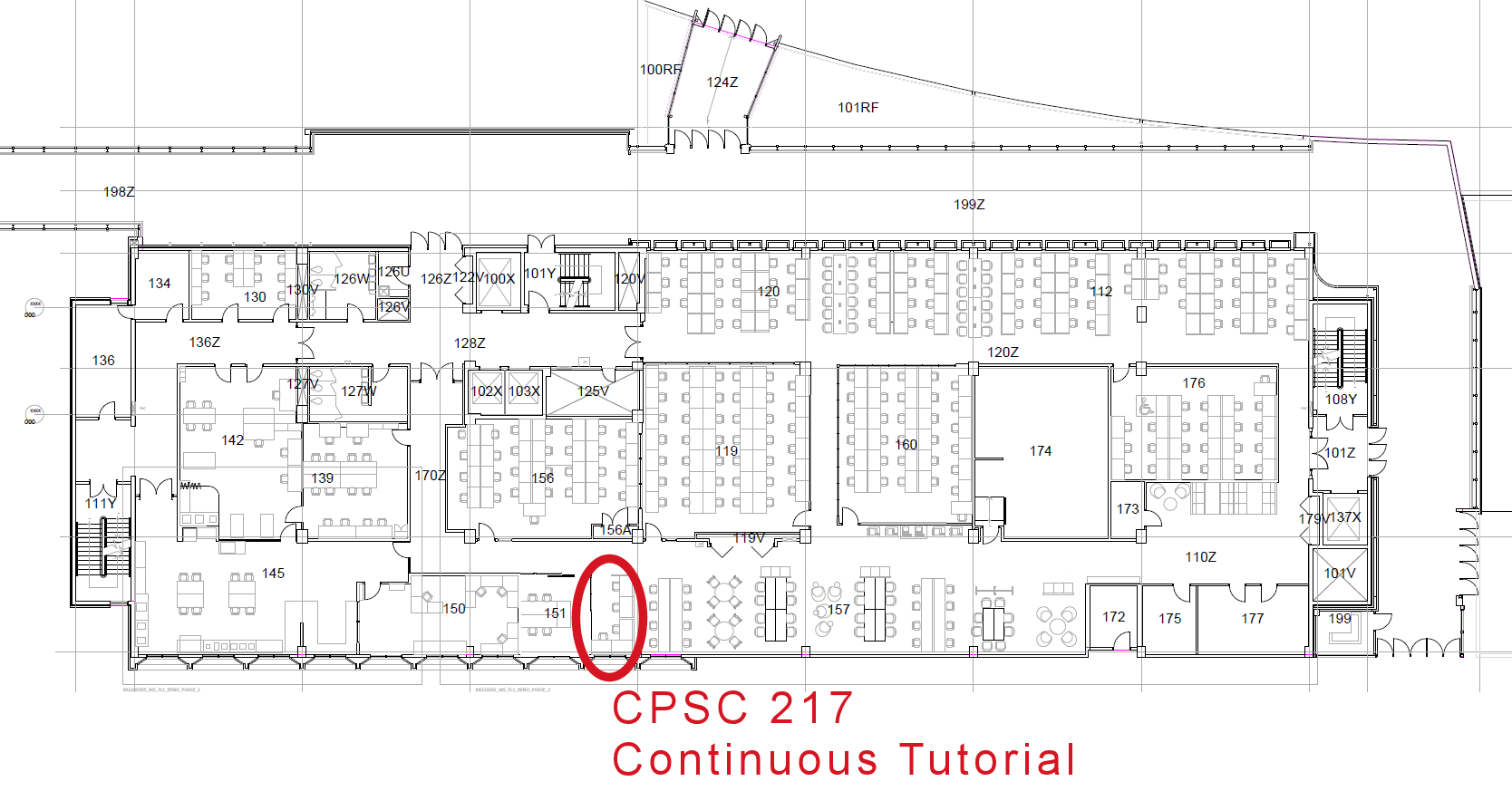
- Teaching assistants are available to provide advice and guidance for
the assignments, or any other course related questions. You can
find them at the "Continuous Tutorial" desk in the main
computer lab outside of MS156/MS119. (Having a hard time finding
the TAs? This map might help.) TA
availability varies from week to week, with the greatest amount
of help available in the days leading up to the assignment
deadlines. Upcoming opportunities for assistance are shown
below.
Mon Aug. 10
(None)Tue Aug. 11
(None)Wed Aug. 12
(None)Thu Aug. 13
(None)Fri Aug. 14
(None)Mon Aug. 17
(None)Tue Aug. 18
(None)Wed Aug. 19
(None)Thu Aug. 20
(None)Fri Aug. 21
(None)
- Assignment 1
- Due Date: Wednesday, February 11, 2026
- Part 1: Due at 11:00pm, submitted through D2L
- Part 2: Due at 11:00pm, submitted through D2L
- Part 3: Due at 4:00pm, submitted on paper
- Assignment Description
- View Your Graded Bubble Sheet from Part 3
- The images submitted for the assignment are available here.
- Due Date: Wednesday, February 11, 2026
- Assignment 2
- Due Date: Friday, March 6, 2026 at 11:00pm
- Assignment Description
- Assignment 3
- Due Date: Friday, March 27, 2026 at 11:00pm
- Assignment Description
- This video shows the game being played.
- asn3_start.py
- Assignment 4
- Due Date: Tuesday, April 14, 2026 at 11:00pm
- Assignment Description
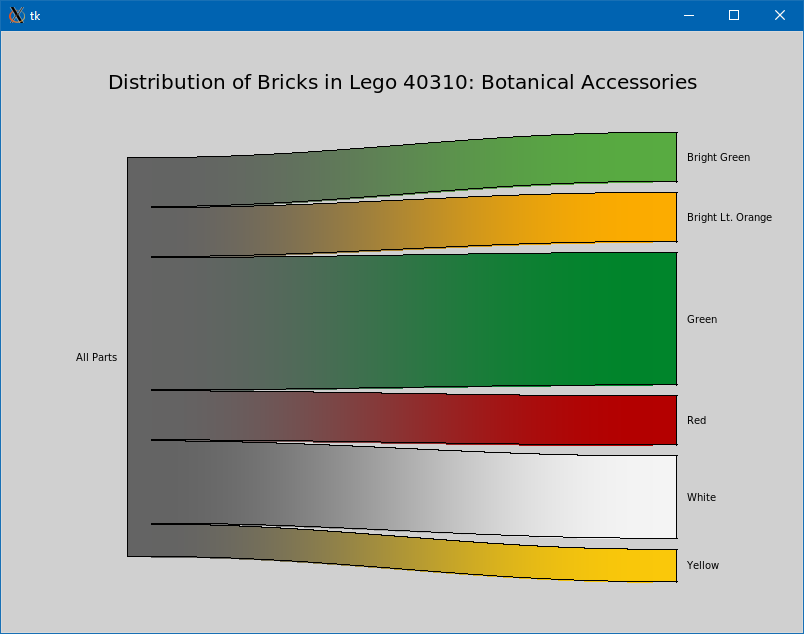
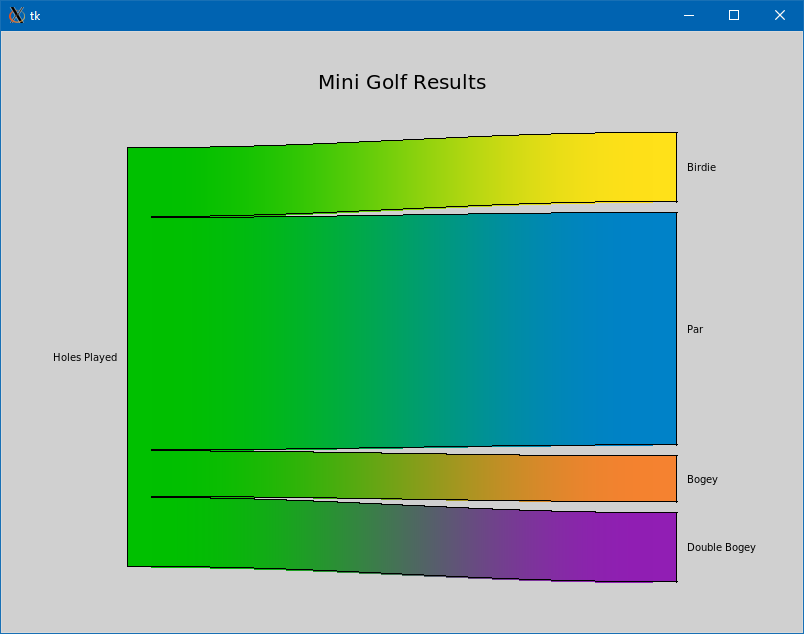
- Correction: The assignment handout says to only import math and SimpleGraphics, but also talks about reading input from the command line which requires use of the system module. Your program can (and should) import sys in addition to math and SimpleGraphics.
- Data Files
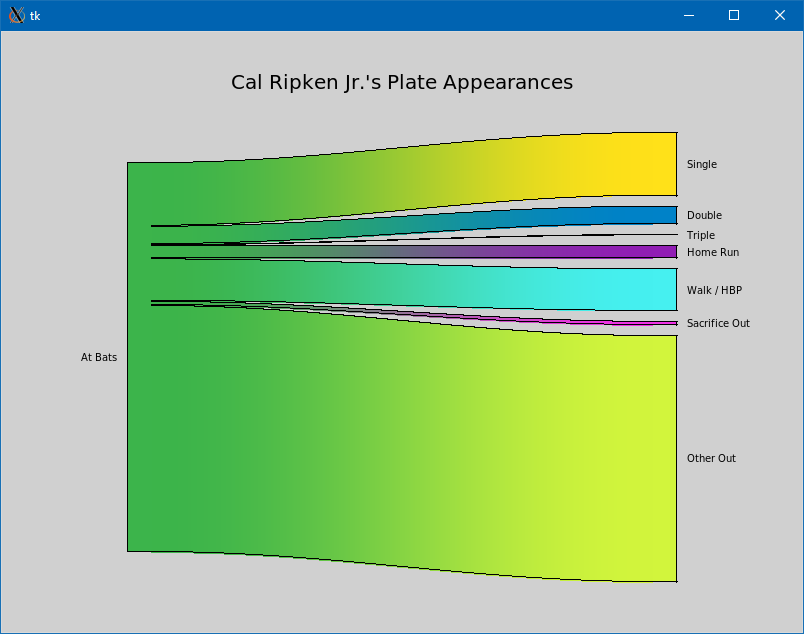
- Baseball.txt Expected Output
- California_Electricity.txt Expected Output
- Enamx_Bill.txt Expected Output
- Flames_18_19.txt Expected Output
- Flames_19_20.txt Expected Output
- Flames_20_21.txt Expected Output
- Flames_21_22.txt Expected Output
- Flames_22_23.txt Expected Output
- Flames_23_24.txt Expected Output
- Flames_24_25.txt Expected Output
- Data Files that include Color Data (For the Bonus)


|
Exercises |
- Exercise 1
- Due Date: Wednesday, January 28, 2026 at 11:00pm
- Exercise Description
- Exercise 2
- Due Date: Wednesday, February 4, 2026 at 11:00pm
- Exercise Description
- Exercise 3
- Due Date: Monday, February 23, 2026 at 11:00pm
- Exercise Description
- Exercise 4
- Due Date: Friday, March 13, 2026 at 11:00pm
- Exercise Description
- Ex4.py
- Exercise 5
- Due Date: Friday, March 20, 2026 at 11:00pm
- Exercise Description
- Exercise 6
- Due Date: Wednesday, April 1, 2026 at 11:00pm
- Exercise Description
- Exercise 7
- Due Date: Friday, April 10, 2026 at 11:00pm
- Exercise Description
- test1.txt
- test2.txt
- test3.txt